5+ Best Keyboard apps for android phone

#1 SwiftKey

SwiftKey Tastatur
Developer: SwiftKey
Price: Free
  • SwiftKey Tastatur Screenshot
  • SwiftKey Tastatur Screenshot
  • SwiftKey Tastatur Screenshot
  • SwiftKey Tastatur Screenshot
  • SwiftKey Tastatur Screenshot
  • SwiftKey Tastatur Screenshot
  • SwiftKey Tastatur Screenshot
  • SwiftKey Tastatur Screenshot
  • SwiftKey Tastatur Screenshot
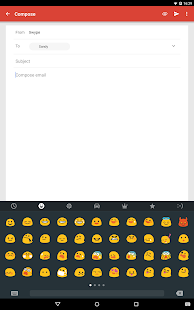
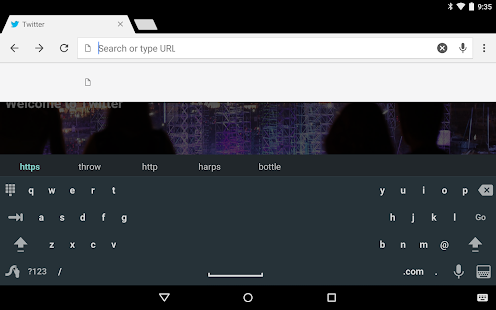
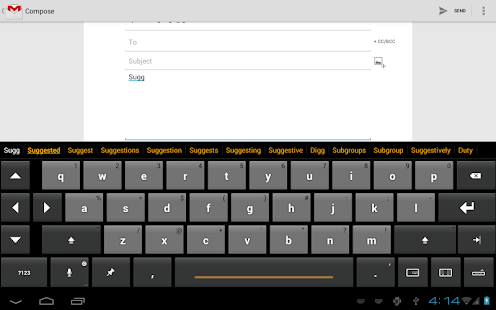
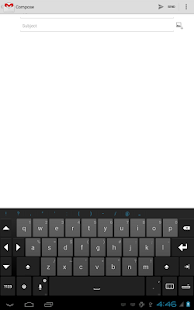
Swift Key is the best keyboard for Android, I highly recommend all users use Swift Key.  It is No. 1 keyboard app on Play Store. SwiftKey Keyboard caters for all typing tastes – all colors, designs, and themes. Support for 100+ languages. Tapping or swipe-to-type. Tons of emoji (smileys, emoticons).

Features:

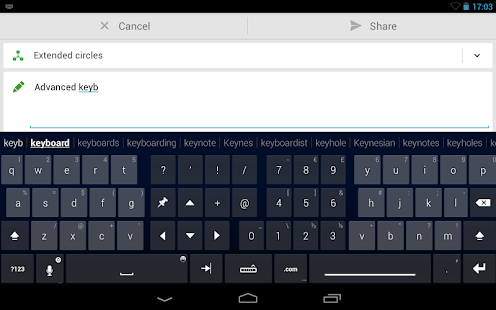
  • It predicts your next word before you even press a key.
  • It also has smart learning feature which learns from your words and saves them.
  • Swift Key Flow feature which makes typing faster.
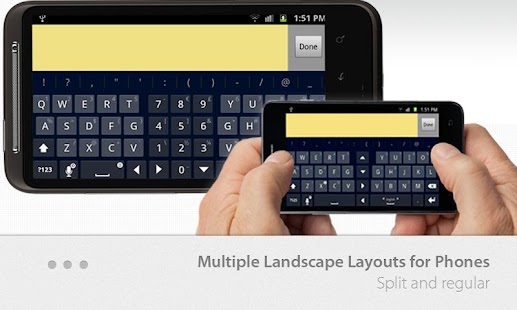
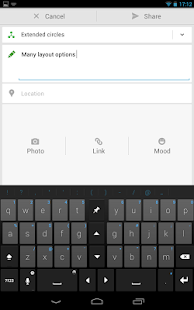
  • Multiple Layout Feature.

#2 Gboard

Gboard – die Google-Tastatur
Developer: Google LLC
Price: Free
  • Gboard – die Google-Tastatur Screenshot
  • Gboard – die Google-Tastatur Screenshot
  • Gboard – die Google-Tastatur Screenshot
  • Gboard – die Google-Tastatur Screenshot
  • Gboard – die Google-Tastatur Screenshot
  • Gboard – die Google-Tastatur Screenshot
  • Gboard – die Google-Tastatur Screenshot
  • Gboard – die Google-Tastatur Screenshot
Google Keyboard makes typing fast and easy with gesture and voice. Glide through letters with Gesture Typing to enter words – just lift your finger to finish a word and gesture again, no spacebar required. Compose text on-the-go with Voice Typing. When you can’t find the right words, express yourself with the perfect emoji.

Features Of Google Keyboard:

  •  Personalized suggestions, corrections, and completions.
  •  Emoji entry point and layouts (Android Lollipop 5.0,)
  •  Gesture Typing with dynamic floating preview.
  •  Space aware Gesture Typing.
  •  Voice Typing.
  •  Dictionaries for 26 languages.
  •  Advanced keyboard layouts.

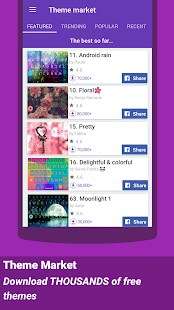
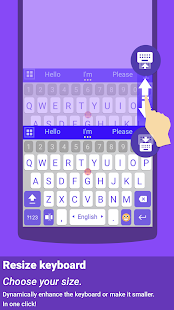
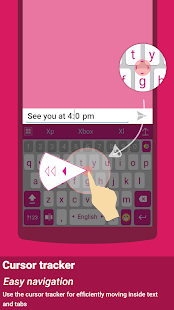
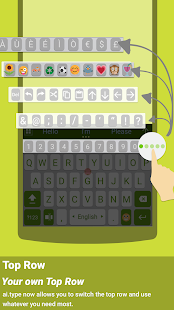
#3 AI Type Keyboard Plus

ai.type Plus + Emoji Tastatur
Developer: ai.type
Price: 4,19 €
  • ai.type Plus + Emoji Tastatur Screenshot
  • ai.type Plus + Emoji Tastatur Screenshot
  • ai.type Plus + Emoji Tastatur Screenshot
  • ai.type Plus + Emoji Tastatur Screenshot
  • ai.type Plus + Emoji Tastatur Screenshot
  • ai.type Plus + Emoji Tastatur Screenshot
  • ai.type Plus + Emoji Tastatur Screenshot
  • ai.type Plus + Emoji Tastatur Screenshot
  • ai.type Plus + Emoji Tastatur Screenshot
  • ai.type Plus + Emoji Tastatur Screenshot
  • ai.type Plus + Emoji Tastatur Screenshot
  • ai.type Plus + Emoji Tastatur Screenshot
  • ai.type Plus + Emoji Tastatur Screenshot
  • ai.type Plus + Emoji Tastatur Screenshot
  • ai.type Plus + Emoji Tastatur Screenshot
  • ai.type Plus + Emoji Tastatur Screenshot
  • ai.type Plus + Emoji Tastatur Screenshot
  • ai.type Plus + Emoji Tastatur Screenshot
  • ai.type Plus + Emoji Tastatur Screenshot
  • ai.type Plus + Emoji Tastatur Screenshot
  • ai.type Plus + Emoji Tastatur Screenshot
  • ai.type Plus + Emoji Tastatur Screenshot
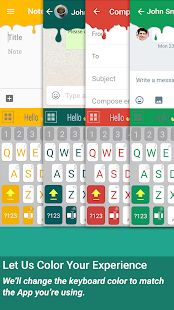
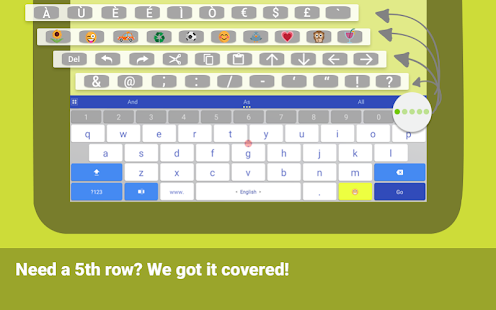
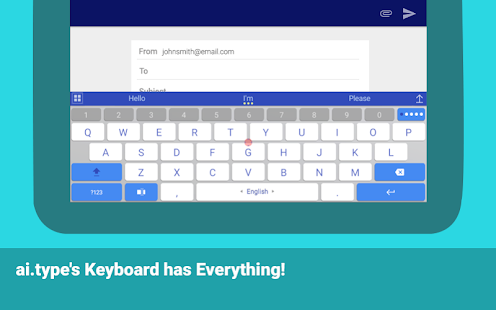
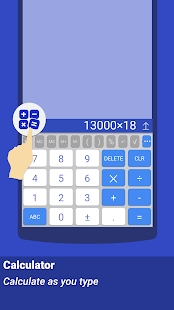
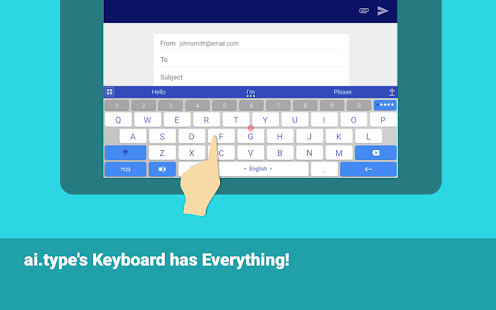
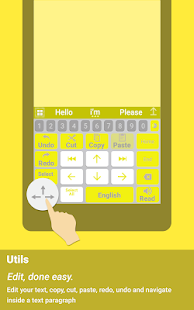
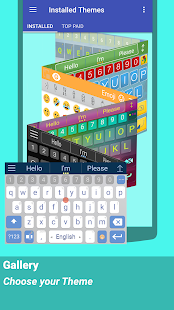
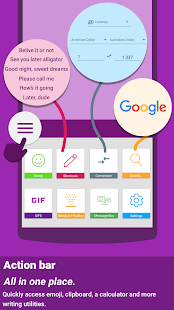
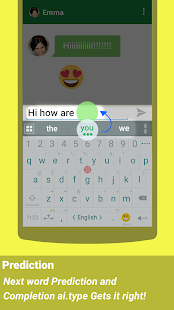
This also best one because of its user-friendly User Interface. Ai.type is the smartest, most personalized keyboard for smartphones and tablets. With over 40 million users worldwide, it transforms the messaging experience.

Features Of AI Type Keyboard Plus:

  • Word Prediction & Auto-Correction
  • Grammar Check
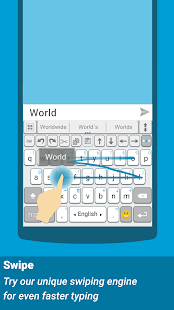
  • Swipe
  • Voice Narration
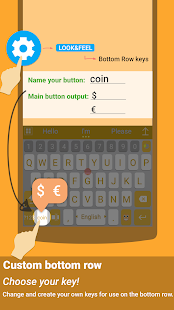
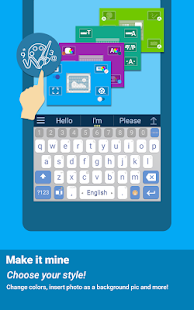
  • Customization

#4 Swype
Swype Keyboard
Price: 1,09 €+
  • Swype Keyboard Screenshot
  • Swype Keyboard Screenshot
  • Swype Keyboard Screenshot
  • Swype Keyboard Screenshot
  • Swype Keyboard Screenshot
  • Swype Keyboard Screenshot
  • Swype Keyboard Screenshot
  • Swype Keyboard Screenshot
  • Swype Keyboard Screenshot
  • Swype Keyboard Screenshot
  • Swype Keyboard Screenshot
  • Swype Keyboard Screenshot
  • Swype Keyboard Screenshot
  • Swype Keyboard Screenshot
  • Swype Keyboard Screenshot
  • Swype Keyboard Screenshot
  • Swype Keyboard Screenshot
  • Swype Keyboard Screenshot
  • Swype Keyboard Screenshot
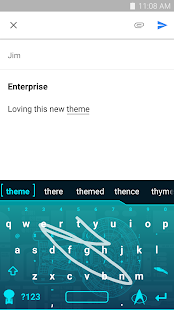
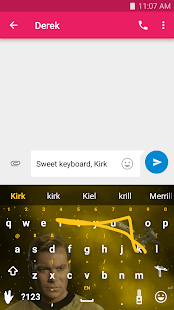
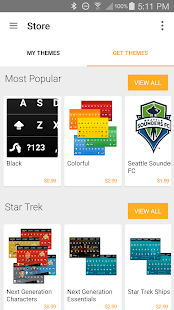
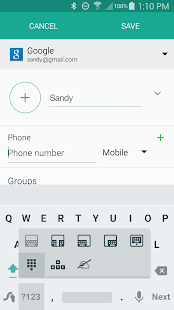
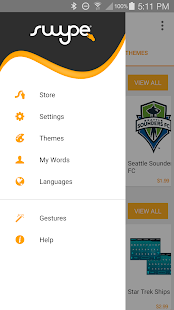
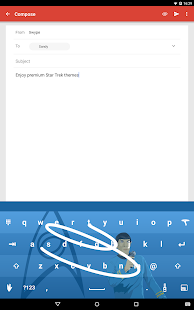
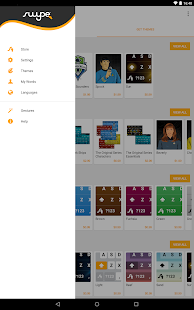
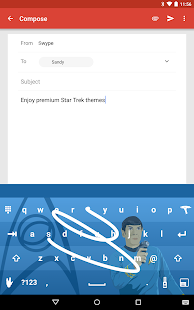
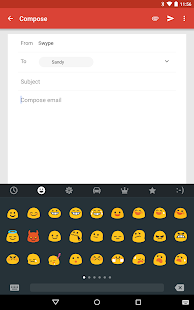
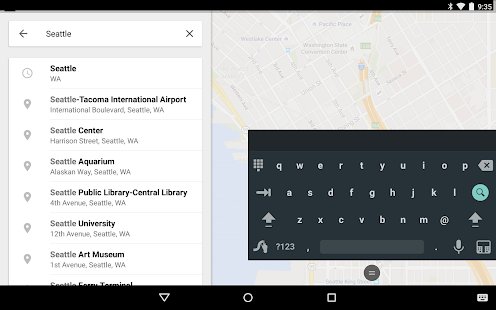
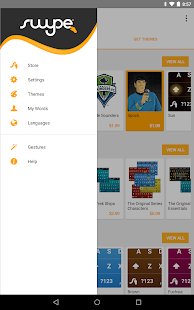
It is one of the older and best keyboards available on Play Store. Swype pays attention to the way you input text and creates a personal language model that follows you from device to device.

Features Of Swype:

  • Bilingual support
  • Personal dictionary backup & sync
  • Next word prediction
  • Voice/Text dictionary sync
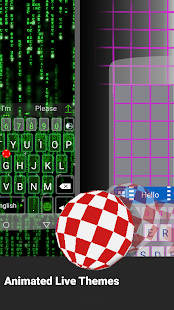
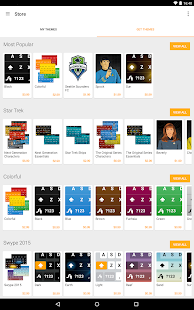
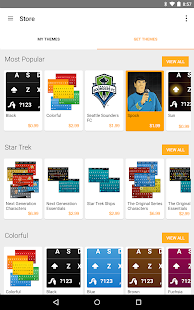
  • Keyboard themes
  • Gestures

#5 Thumb Keyboard
Thumb Keyboard
Developer: Beansoft
Price: 2,14 €
  • Thumb Keyboard Screenshot
  • Thumb Keyboard Screenshot
  • Thumb Keyboard Screenshot
  • Thumb Keyboard Screenshot
  • Thumb Keyboard Screenshot
  • Thumb Keyboard Screenshot
  • Thumb Keyboard Screenshot
  • Thumb Keyboard Screenshot
  • Thumb Keyboard Screenshot
  • Thumb Keyboard Screenshot
  • Thumb Keyboard Screenshot
  • Thumb Keyboard Screenshot
  • Thumb Keyboard Screenshot
  • Thumb Keyboard Screenshot
  • Thumb Keyboard Screenshot
  • Thumb Keyboard Screenshot
  • Thumb Keyboard Screenshot
  • Thumb Keyboard Screenshot
  • Thumb Keyboard Screenshot
  • Thumb Keyboard Screenshot
  • Thumb Keyboard Screenshot
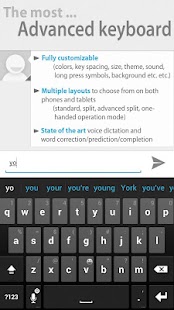
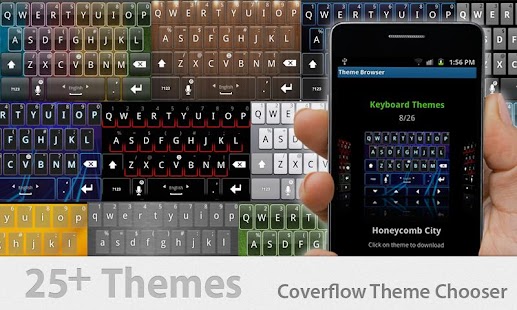
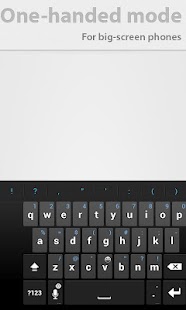
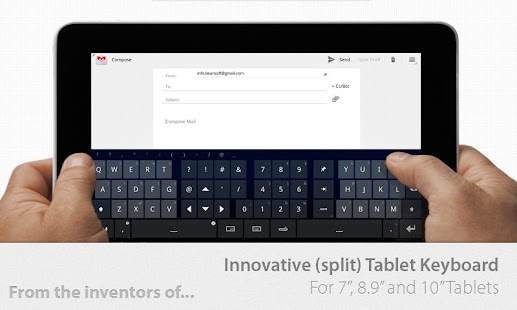
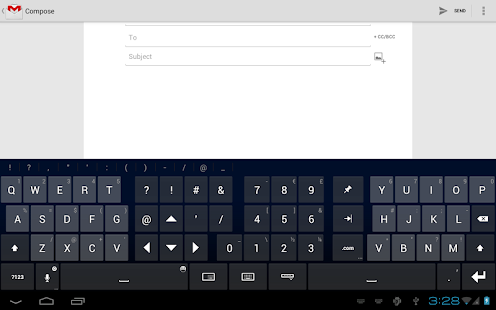
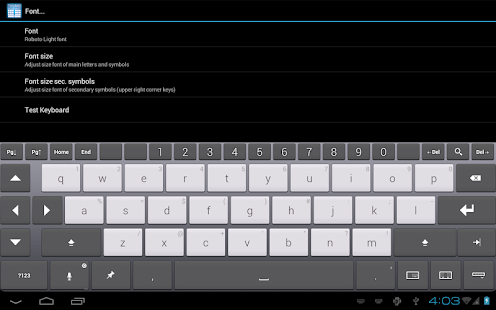
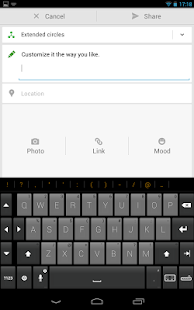
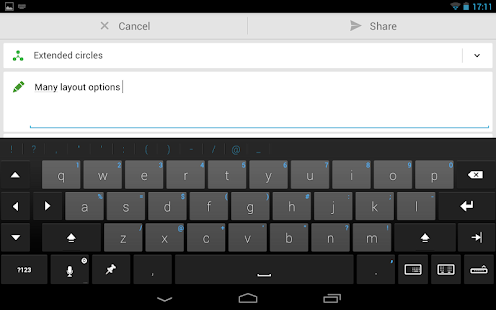
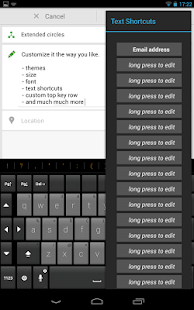
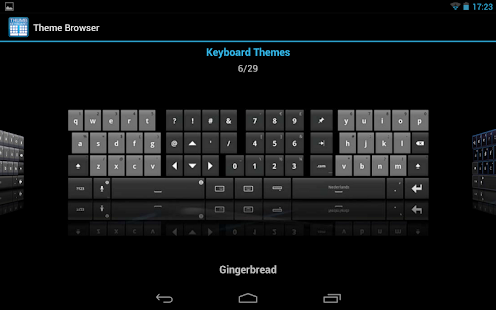
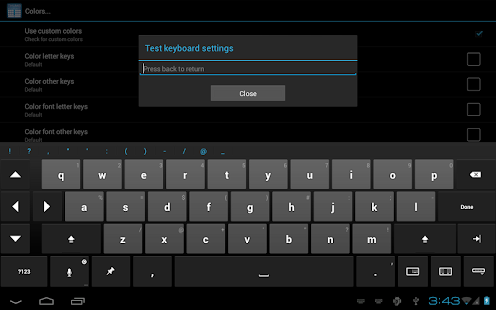
Thumb Keyboard for Android is a keyboard with many, advanced customization options that allow the user to adjust it to his or her preferences. This groundbreaking keyboard introduces a lot of innovations.

Features Of Thumb Keyboard:

  • Flexible keyboard layouts
  • Fully customizable
  • Multi-touch
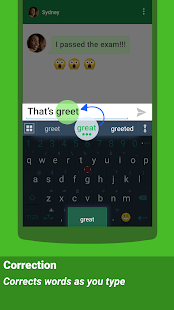
  • Auto-correction
  • Text to speech feedback
  • Swipe gesture support
  • Change colors and size of keys, font, etc.
#6 KiKa Keyboard
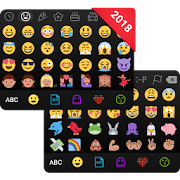
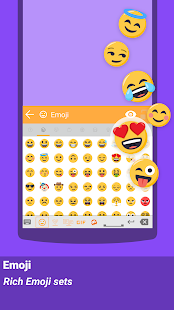
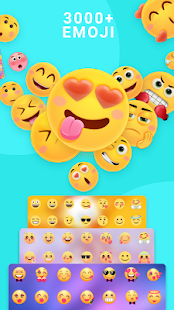
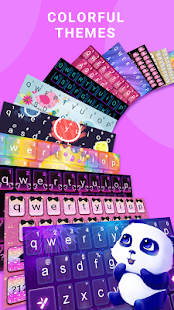
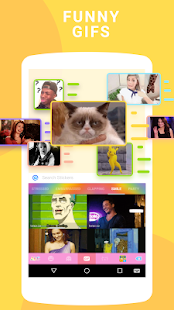
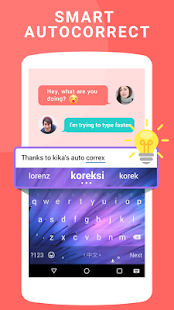
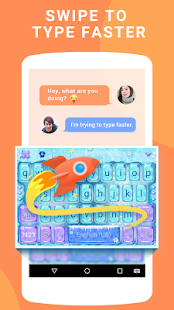
Kika Emoji Keyboard is a smart emoji keyboard app for the Android phone that makes typing fast, easy and fun. Over 10 million people are using Kika Keyboard to type and share ideas.

Features Of Kika Keyboard:

  • Send 1200+ emoji & emoticons across Facebook, Messenger, Snapchat, Instagram, Gmail, Kik and more.
  • The 1st keyboard with native support for WhatsApp’s skin tone emojis
  • Support newest Android emojis like middle fingers, unicorn, and taco for OS which is above 6.0
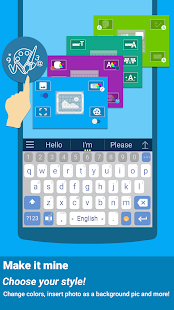
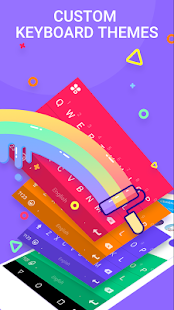
  • 100+ awesome themes/skins and cool fonts to suit your style
  • Personalize your keyboard skins with photos or colors

#7 Go Keyboard

GO Tastatur
Developer: GOMO
Price: Free+
  • GO Tastatur Screenshot
  • GO Tastatur Screenshot
  • GO Tastatur Screenshot
  • GO Tastatur Screenshot
  • GO Tastatur Screenshot
  • GO Tastatur Screenshot
  • GO Tastatur Screenshot
  • GO Tastatur Screenshot
  • GO Tastatur Screenshot
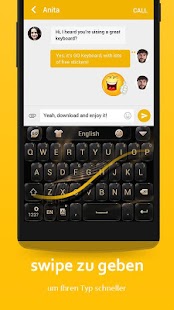
Turn plain text into smiley emoji and emoticons. Communicate with emoji and emotions such as Emoji and emoticons speak 1000 times louder than words. Easy to find emoji and emoticons in the keyboard area.GO Keyboard supports 60+ languages and thousands of themes. The emoji, emoticons, and sticker in the keyboard are compatible across all popular apps.

Features Of Go Keyboard:

  • FREE emoji, emoticons, sticker and other smiley faces
  • Smart enough to recognize mistyping, provide correction suggestions and make your typing easy.
  • It provides various layouts such as QWERTY keyboard, QWERTZ and AZERTY keyboard for pad tablet.

#8 Hitap Indic Keyboard

Hitap Indic Keyboard
Developer: Funnytap Tech
Price: Free
  • Hitap Indic Keyboard Screenshot
  • Hitap Indic Keyboard Screenshot
  • Hitap Indic Keyboard Screenshot
  • Hitap Indic Keyboard Screenshot
  • Hitap Indic Keyboard Screenshot
  • Hitap Indic Keyboard Screenshot
  • Hitap Indic Keyboard Screenshot
  • Hitap Indic Keyboard Screenshot
  • Hitap Indic Keyboard Screenshot
  • Hitap Indic Keyboard Screenshot
  • Hitap Indic Keyboard Screenshot
  • Hitap Indic Keyboard Screenshot
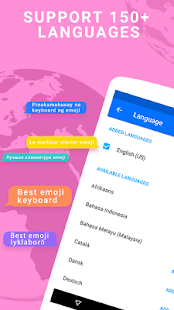
Hitap keyboard contains more than 80+ languages in the worldwide including 12 India native languages which is being used by over 5 million people. Hitap Indic keyboard provides music themes, picture theme, emoticons, emoji, stickers, making typing funnier.

Features Of Hitap Indic Keyboard:

  • Free download large amount of characteristic keyboard themes, and making each time of your click different along with sound, special effects, and exclusive font theme.
  • Download one of your picture you like, it can become your input method skin, the picture can be your self-portrait, idol, lover or your family, which can make them accompany you all the time.
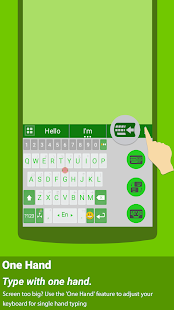
  • The size of a keyboard can be adjusted to adapt kinds of operation gesture, a liberation of your hands and follow your heart.

#9 Fleksy + GIF Keyboard

Fleksy- Emoji & GIF Tastatur
Developer: Fleksy
Price: Free+
  • Fleksy- Emoji & GIF Tastatur Screenshot
  • Fleksy- Emoji & GIF Tastatur Screenshot
  • Fleksy- Emoji & GIF Tastatur Screenshot
  • Fleksy- Emoji & GIF Tastatur Screenshot
  • Fleksy- Emoji & GIF Tastatur Screenshot
  • Fleksy- Emoji & GIF Tastatur Screenshot
  • Fleksy- Emoji & GIF Tastatur Screenshot
  • Fleksy- Emoji & GIF Tastatur Screenshot
  • Fleksy- Emoji & GIF Tastatur Screenshot
  • Fleksy- Emoji & GIF Tastatur Screenshot
  • Fleksy- Emoji & GIF Tastatur Screenshot
  • Fleksy- Emoji & GIF Tastatur Screenshot
  • Fleksy- Emoji & GIF Tastatur Screenshot
  • Fleksy- Emoji & GIF Tastatur Screenshot
  • Fleksy- Emoji & GIF Tastatur Screenshot
  • Fleksy- Emoji & GIF Tastatur Screenshot
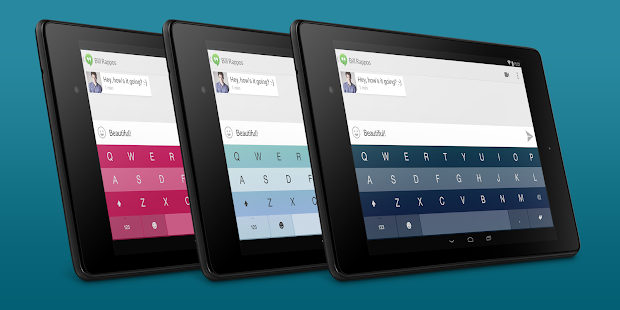
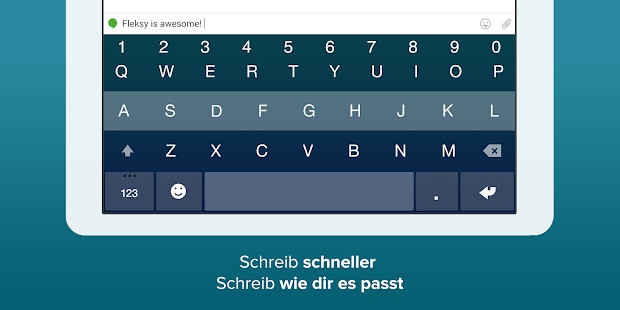
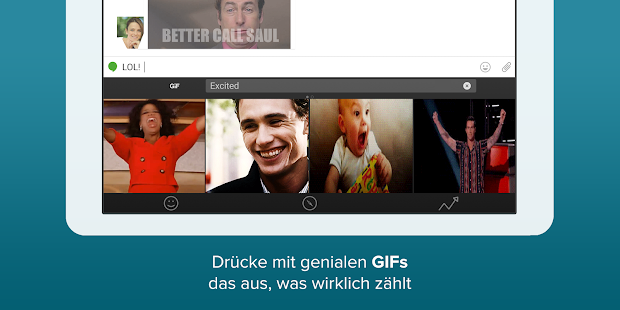
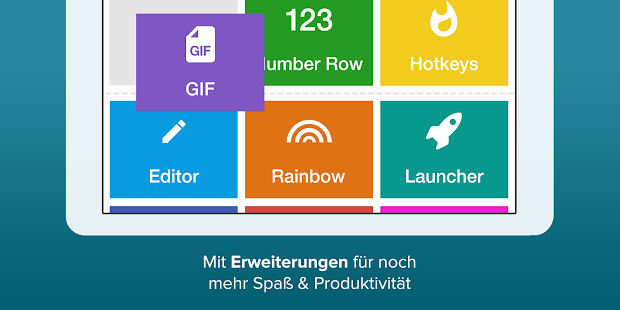
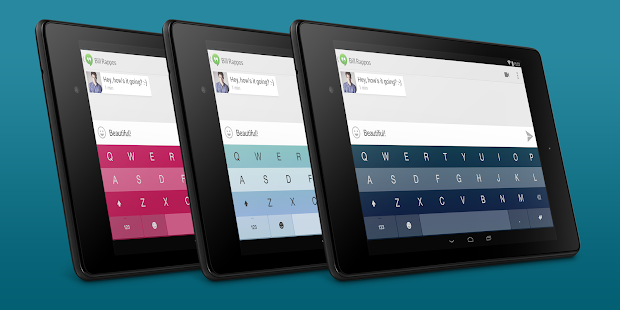
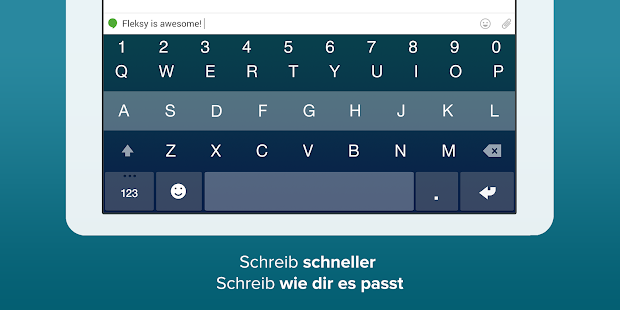
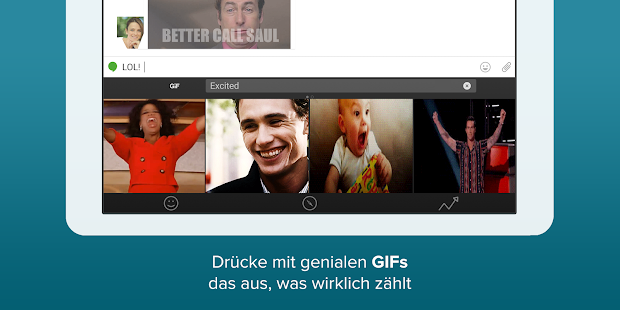
Fleksy is the most fun, customizable way to type, and officially the fastest keyboard in the world. Fleksy is the only keyboard that allows you to find and send GIFs, and customize your keyboard with powerful extensions and beautiful themes.

Features:

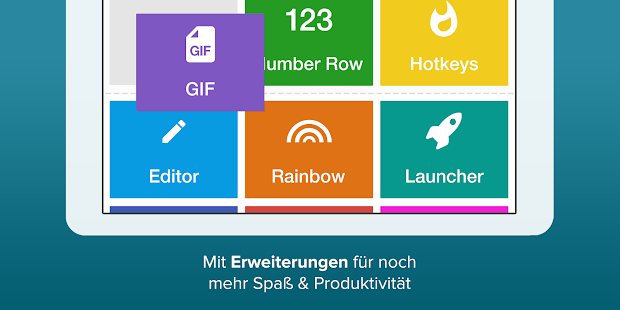
  • Navigate apps right from your keyboard with Launcher.
  • Copy/paste, control your cursor, and more with Editor.
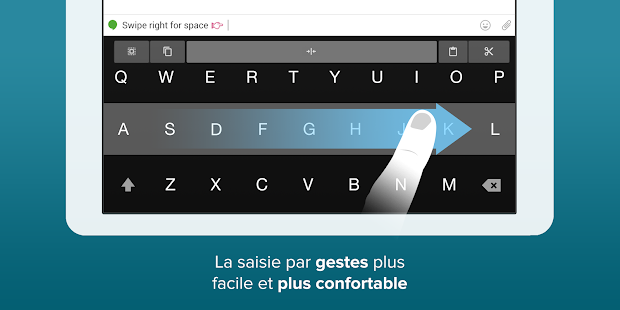
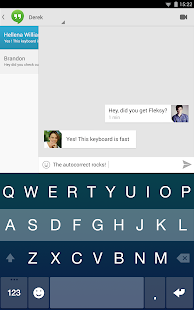
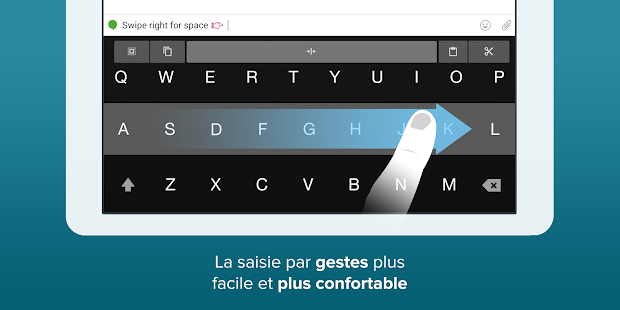
  • Fleksy keyboard uses next-generation autocorrect so accurate you can type without even looking, and type with record-setting speed using intuitive gestures
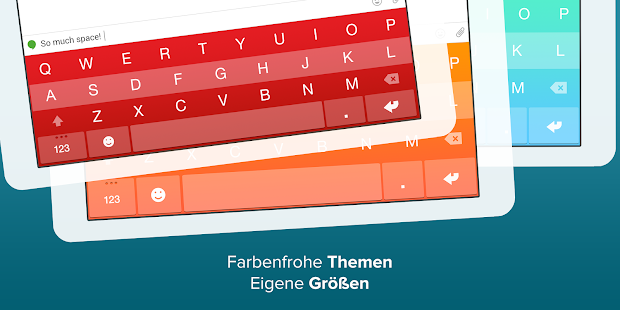
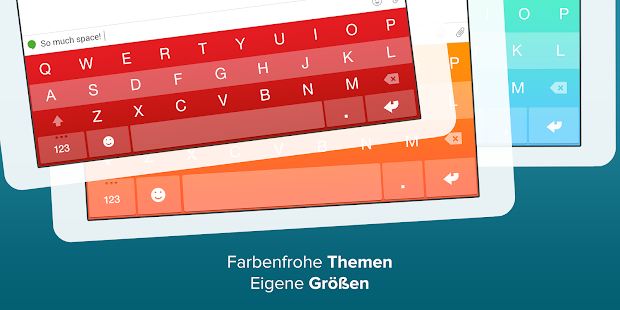
  • Show your style on Fleksy’s beautiful keyboard with over 40 colorful themes, including favorites like Frozen, The Hunger Games, and more.

#10 Minuum Keyboard

Minuum Keyboard Free + Emoji
Developer: Whirlscape
Price: Free+
  • Minuum Keyboard Free + Emoji Screenshot
  • Minuum Keyboard Free + Emoji Screenshot
  • Minuum Keyboard Free + Emoji Screenshot
  • Minuum Keyboard Free + Emoji Screenshot
  • Minuum Keyboard Free + Emoji Screenshot
  • Minuum Keyboard Free + Emoji Screenshot
  • Minuum Keyboard Free + Emoji Screenshot
  • Minuum Keyboard Free + Emoji Screenshot
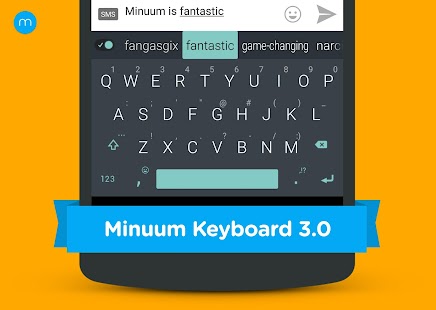
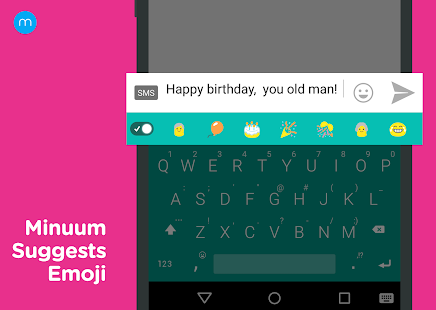
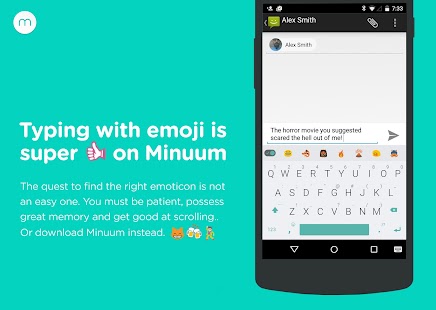
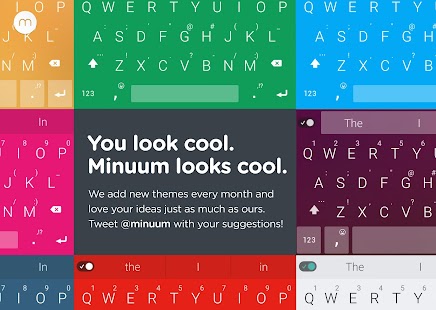
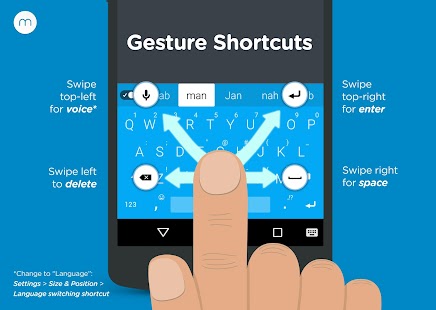
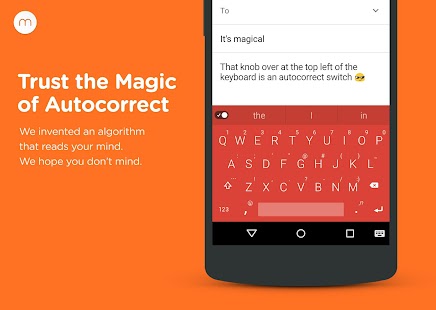
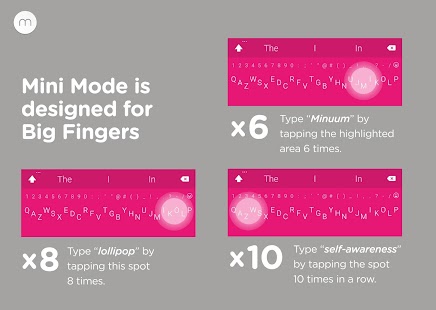
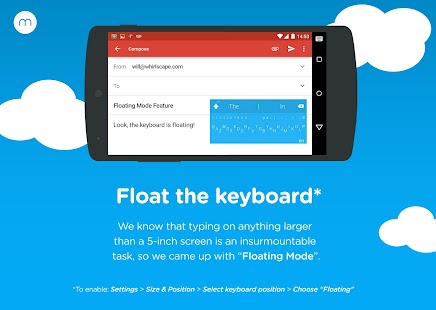
The smarter, smaller keyboard that lets you do more with your screen space. It’s the little keyboard for big fingers. You can speed up your typing via suggestions from a predictive engine that learns from your word list, word combos, and language use patterns.
Features:-
  • Fast sloppy typing
  • More screen space
  • Different alphabet arrangements
  • Expansion to full-sized keyboard
  • Smart word prediction
  • Vocabulary control

Comments

Popular posts from this blog

How long would humans survive if the sun disappeared?

Well, we wouldn't die instantly. We already survive every day for 8-16 hours without the sun (depending on the season and location). I'm assuming the intent here is to ask what would happen if the sun were to just suddenly cease to exist entirely. In that case, it would take about 8 minutes for anything to happen to us, since the sun's light and gravity both propagate at that speed. At that point the Earth and moon would just continue on in a straight line, no longer in orbit around the sun. Losing the sun's pull might have some nasty effects on plate tectonics, but I'm not sure about that. The earth would slowly begin to cool. It wouldn't be instantaneous; the atmosphere does a decent job of retaining heat for a time. How long you have here depends on the climate and season where you are. If it's the dead of a snowy winter, temperatures would become nearly unbearable in 24-48 hours. If it's summer, you might have several days. This alone ...

Can a Facebook account be hacked?

Top 15 Ways How Hackers Hack Facebook Accounts #1 Hack Facebook Account Password By Phishing : Phishing is still the most popular attack vector used for hacking Facebook accounts. There are variety methods to carry out phishing attack. In simple phishing attacks, a hacker creates a fake login page which exactly looks like the real Facebook page and then asks the victim to log in. Once the victim logs in through the fake page the, the victims “Email Address” and “Password” is stored into a text file, and the hacker then downloads the text file and gets his hands on the victim’s credentials. How To Avoid Phishing Attacks Never Login your Facebook account on other devices Use Chrome, it identifies the phishing page. Avoid emails that ask you to log in your facebook account #2 Hack Facebook Account Password By Keylogging : Keylogging is the easiest way to hack a Facebook password. Keylogging sometimes can be so dangerous that even a person with good knowledge of computers...

Difference between hacker and cracker?

Hacker: In computing, a hacker is any  skilled  computer expert that uses their technical knowledge to overcome a problem. While " hacker " can refer to any skilled computer programmer, the term has become associated in popular culture with a " security hacker ", someone who, with their technical knowledge, uses  bugs  or  exploits  to break into computer systems. Cracker: A cracker is someone who breaks into someone else's computer system, often on a network;  bypasses  passwords or licenses in computer programs; or in other ways intentionally  breaches  computer security. A cracker can be doing this for profit, maliciously, for some altruistic purpose or cause, or because the challenge is there. Some breaking-and-entering has been done ostensibly to point out weaknesses in a site's security system.